
Description
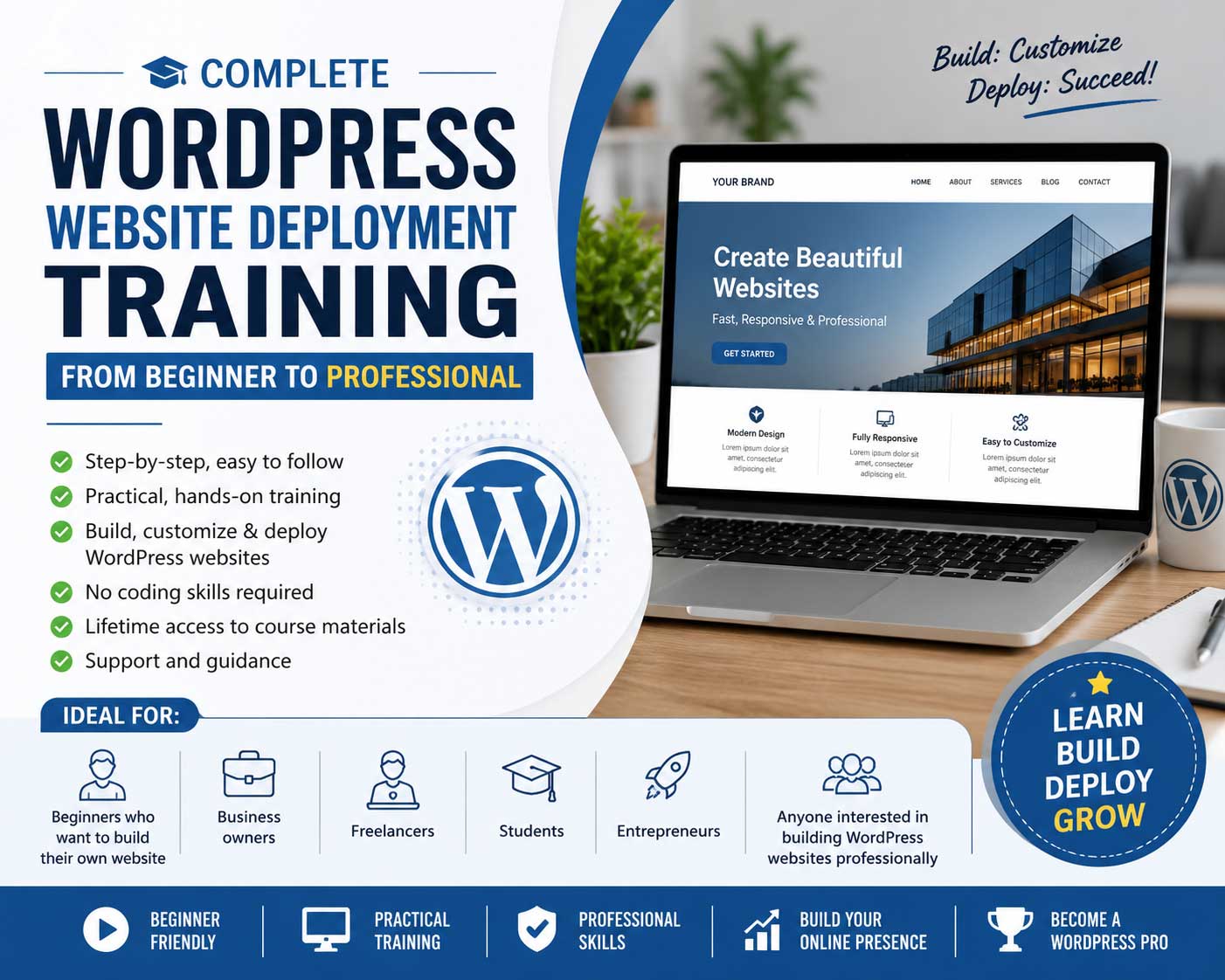
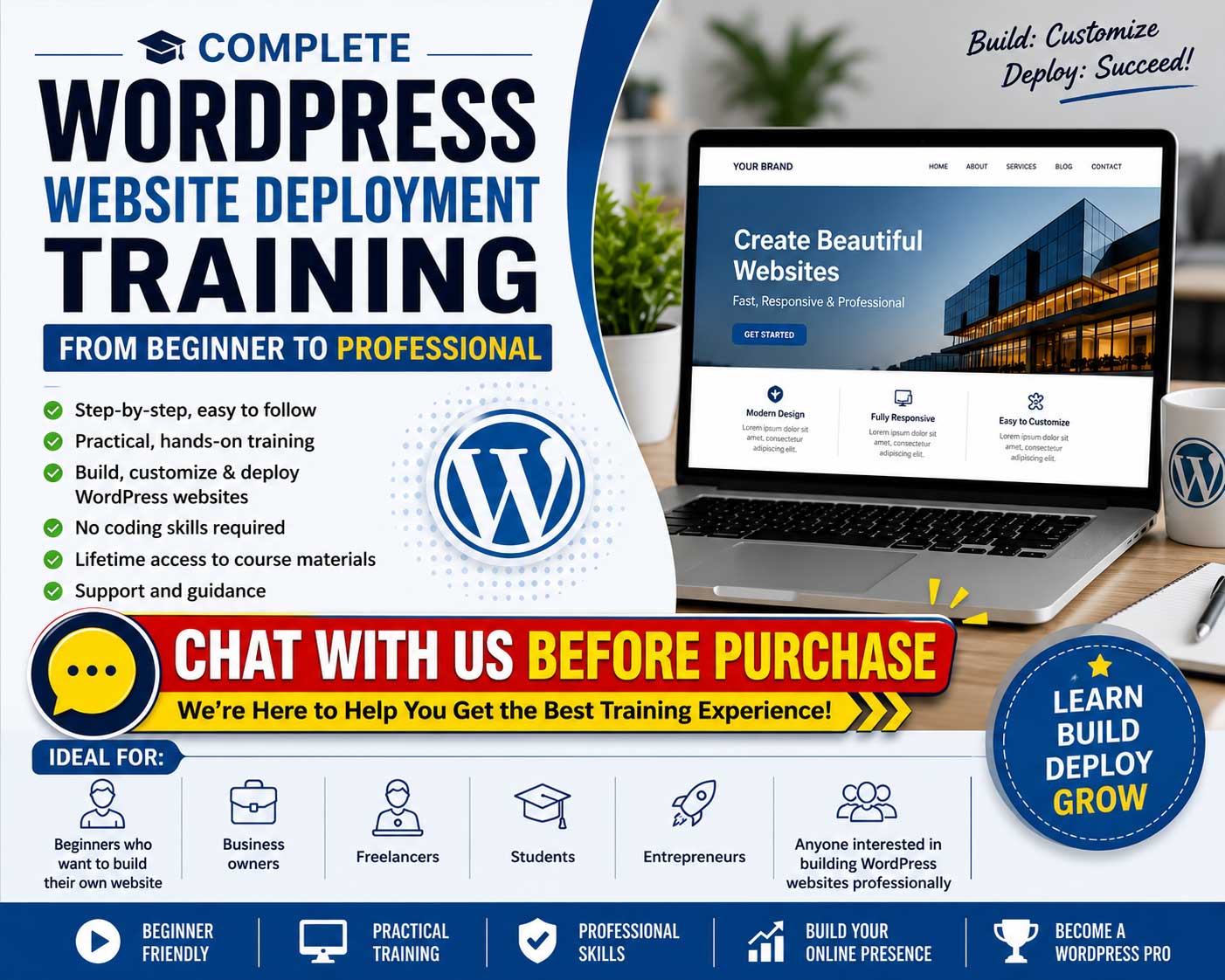
Complete WordPress Website Deployment Training: From Beginner to Professional
Ideal for:
- Beginners who want to build their own website
- Business owners
- Freelancers
- Students
- Entrepreneurs
- Anyone interested in building WordPress websites professionally
Day 1 — Introduction to WordPress & Website Foundations
Module 1: Understanding Websites & WordPress
- What is a website?
-
Types of websites:
- Personal blog
- Business website
- Ecommerce website
- Portfolio website
- Introduction to WordPress
- Difference between WordPress.com and WordPress.org
- Why WordPress powers millions of websites
Module 2: Domain Names & Web Hosting
- What is a domain name?
- Choosing a good domain name
- Understanding web hosting
- Shared hosting vs VPS vs Cloud hosting
- How to buy hosting and domain
- Introduction to cPanel / hosting dashboard
Module 3: Installing WordPress
- Manual WordPress installation
- One-click WordPress installer
- Creating database and database user
- Configuring wp-config.php
- Logging into WordPress admin dashboard
Module 4: WordPress Dashboard Walkthrough
- Posts vs Pages
- Media library
- Appearance section
- Plugins section
- Users and roles
- Settings overview
Hands-On Practice
- Install WordPress on hosting
- Configure website title and settings
- Create first pages and posts
Day 2 — Designing & Customizing WordPress Websites
Module 1: Understanding WordPress Themes
- What are themes?
- Free vs Premium themes
- How to install and activate themes
- Theme customization basics
Module 2: Website Design Principles
- Basic UI/UX concepts
- Choosing colors and fonts
- Website layout planning
- Mobile responsive design
Module 3: Using Page Builders
- Introduction to Elementor / Gutenberg
- Creating pages visually
- Drag-and-drop editing
- Creating homepage layout
Module 4: Navigation & Structure
- Creating menus
- Header and footer customization
- Sidebar and widgets
- Creating contact pages
Module 5: Images & Media Optimization
- Uploading images properly
- Image optimization
- Choosing stock photos
- Basic graphic preparation
Hands-On Practice
- Build a homepage
- Create About Us and Contact pages
- Design a responsive website layout
Day 3 — Plugins, Security & Performance Optimization
Module 1: Understanding WordPress Plugins
- What are plugins?
- Essential plugins every website needs
- Installing and configuring plugins safely
Module 2: Website Security
- WordPress security basics
- Securing admin login
- Strong passwords and user roles
- Backup strategies
- Malware and brute-force protection
Module 3: Website Performance Optimization
- Why website speed matters
- Caching plugins
- Image compression
- Database optimization
- CDN introduction
Module 4: SEO Fundamentals
- What is SEO?
- Installing SEO plugins
- Meta titles and descriptions
- XML sitemaps
- SEO-friendly URLs
Module 5: Website Maintenance
- Updating WordPress safely
- Updating plugins and themes
- Troubleshooting common issues
- Website monitoring
Hands-On Practice
- Install security plugin
- Configure backup system
- Optimize website speed
- Set up SEO basics
Day 4 — Business Website & Ecommerce Development
Module 1: Building a Professional Business Website
- Business website structure
- Creating service pages
- Testimonials and portfolios
- Lead generation forms
Module 2: Introduction to WooCommerce
- Installing WooCommerce
- WooCommerce settings overview
- Creating products
- Product categories and tags
Module 3: Payment Gateways & Shipping
- Online payment setup
- FPX and local Malaysian payment options
- Shipping configuration
- Tax configuration basics
Module 4: Ecommerce Management
- Managing orders
- Customer management
- Coupons and discounts
- Inventory management
Module 5: Marketing & Conversion
- Email marketing integration
- WhatsApp integration
- Social media integration
- Analytics setup
Hands-On Practice
- Build an ecommerce store
- Add products
- Configure payment gateway
- Create checkout process
Day 5 — Deployment, Migration & Professional Workflow
Module 1: Website Deployment Process
- Moving from localhost to live server
- Domain pointing and DNS basics
- SSL certificate setup
- Launch checklist
Module 2: Website Migration
- Migrating WordPress websites
- Backup and restore migration
- Using migration plugins
- Handling migration errors
Module 3: Advanced WordPress Administration
- User management
- Security hardening
- Database maintenance
- File permissions
Module 4: Freelancing & Client Management
- How to offer WordPress services
- Pricing WordPress projects
- Managing client expectations
- Website maintenance packages
- Building recurring income
Module 5: Real Project Workshop
- Students build a complete website
- Website review and feedback
- Troubleshooting session
- Final deployment exercise
Hands-On Practice
- Deploy a complete website
- Perform website migration
- Launch final project
Bonus Topics (Optional)
- Introduction to WordPress Multisite
- Membership websites
- LMS / online course websites
- Booking systems
- AI tools for WordPress
- Website monetization
- Affiliate marketing integration
- Basic HTML & CSS customization
Suggested Training Deliverables
Participants should receive:
- Training slides
- Step-by-step deployment guide
- WordPress installation checklist
- Recommended plugins list
- Website launch checklist
- Sample templates
- Certificate of completion
Suggested Target Audience
- Small business owners
- Freelancers
- Students
- Government staff
- NGOs
- Entrepreneurs
- Work-from-home professionals
Suggested Training Outcome
By the end of the training, participants will be able to:
- Deploy WordPress websites independently
- Build business and ecommerce websites
- Secure and optimize WordPress websites
- Manage hosting and domains
- Maintain and troubleshoot websites
- Offer WordPress services professionally
Please chat with us before puchasing this service so we can understand your requirements and tailor the price and training to your need.


 Chat with Seller